
These are the buttons I made with Android Jetpack Compose.
#1:
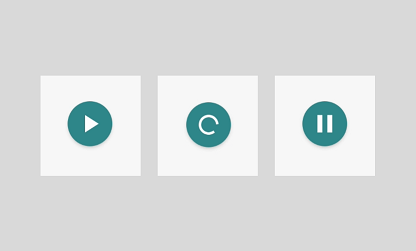
It is a music button with 3 states — play, pause, and loading. It fetches the song using the ViewModel.
Source Code: Music Button
#2:
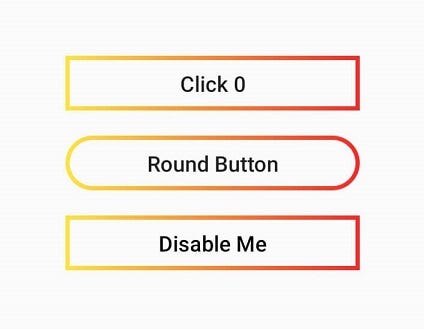
These are the buttons with a gradient border. I made them with Box, but you can also use OutlinedButton.
Source Code: Gradient Border Buttons
#3:
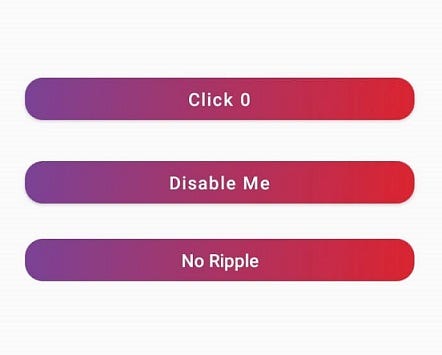
The default Button() API doesn’t have the functionality to add a gradient background. So, I made it with Box and Brush APIs. You can also adjust the corner radius.
Source Code: Gradient Background Buttons
#4:

They look beautiful. Thanks to Shapes API. I got this effect by adding different sizes to all four corners.
Source Code: Buttons with Different Corner Sizes
#5:
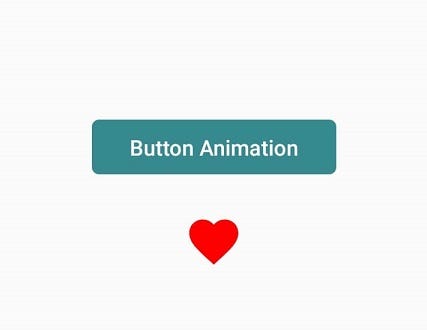
When you tap on these buttons, their scale value will get animated. The first one is a normal button with text. The second one is an icon. You can use it when you need a heart animation.
Source Code: Button onClick Animation
These are the designs I made. I hope you like them. If you have any doubts or suggestions, leave a comment below.



0 Comments